Table of Contents
- TL;DR
- What Happened to LinkedIn Hashtags in 2024-2026
- How LinkedIn Hashtags Work Now
- How Many Hashtags to Use on LinkedIn
- The LinkedIn Hashtag Follower Count Tiers
- Best LinkedIn Hashtags by Industry 2026
- LinkedIn Hashtags Copy and Paste Ready Sets
- How to Generate LinkedIn Hashtags Free
- LinkedIn Hashtags vs TikTok and Instagram Key Differences
- FAQ
TL;DR
- LinkedIn removed the hashtag following feature in 2024 hashtags no longer push posts into follower feeds the way they used to
- Hashtags on LinkedIn now work as SEO and categorization signals they help LinkedIn surface your post in search results and topic feeds
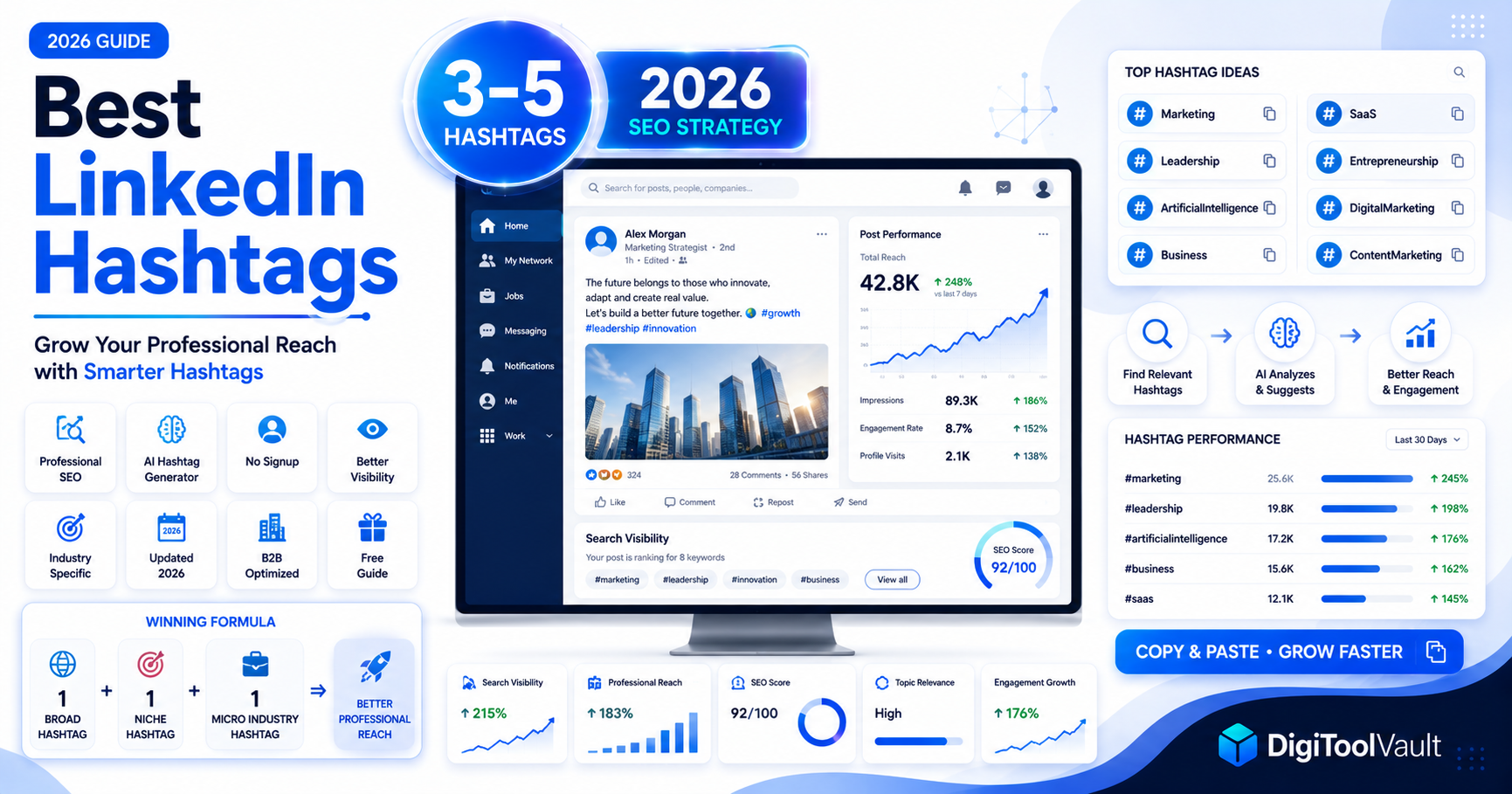
- 3-5 hashtags per post is the current best practice 3 is the professional standard
- Place hashtags at the end of your post after a line break never mid-sentence
- Generate hashtags for any post topic at DigiToolVault's free Hashtag Generator no signup needed
- Style your post text with DigiToolVault's LinkedIn Text Formatter for bold, italic, and 15+ Unicode styles
What Happened to LinkedIn Hashtags in 2024-2026
LinkedIn hashtags work differently in 2026 than they did two years ago and most guides have not been updated to reflect it.
In 2024, LinkedIn removed the hashtag following feature. Users could previously follow specific hashtags (#marketing, #leadership) and see posts using those hashtags in their main feed. This feature was retired. LinkedIn announced the change as part of a broader shift toward personalised AI-driven feed curation rather than hashtag-based subscriptions.
What this means for your posts:
The old strategy of using high-follower hashtags to push content into the feeds of hashtag followers no longer works as it once did. The feed is now curated based on your network, your engagement history, and content relevance not hashtag subscriptions.
What hashtags still do:
Hashtags on LinkedIn in 2026 function primarily as search and categorization signals. When you include #artificialintelligence in a post, LinkedIn understands your content belongs to the AI topic category and surfaces it in:
- LinkedIn search results when users search that term
- Topic-based content suggestions for users whose profiles and behavior match that topic
- LinkedIn's internal content recommendation engine
This is a meaningful distinction. Hashtags did not die they changed jobs. They moved from being a feed-push mechanism to being a search and relevance signal. The strategy adapts accordingly.
How LinkedIn Hashtags Work Now
Think of LinkedIn hashtags in 2026 as SEO keywords for your post rather than audience distribution levers.
When a LinkedIn user searches for a topic "AI tools for business" or "leadership tips" LinkedIn's search algorithm surfaces relevant posts, articles, and people. Posts with accurate, relevant hashtags rank better in these topic searches than posts without them.
LinkedIn's feed algorithm also uses hashtags as one signal among many to understand your post's topic and match it to users whose content preferences align with that topic even if those users don't follow you or the hashtag.
The professional context matters:
LinkedIn's audience arrives with a professional mindset. Someone searching #supplychain on LinkedIn is likely a procurement professional or supply chain manager actively looking for industry insights. The same hashtag on Instagram would reach a completely different audience with different intent. This is why LinkedIn hashtag strategy must prioritise professional specificity over volume.
How Many Hashtags to Use on LinkedIn
3-5 hashtags is the standard. 3 is the professional sweet spot.
LinkedIn's own creators recommend using exactly 3 hashtags per post. Posts with more than 5 hashtags start to look less professional in the LinkedIn context where content is expected to be polished and purposeful rather than maximized for algorithmic reach like on TikTok.
| Number | Effect |
|---|---|
| 0 hashtags | Post not categorized relying entirely on network signals |
| 1-2 hashtags | Minimal misses topic categorization opportunities |
| 3 hashtags | Professional standard precise and clean |
| 4-5 hashtags | Acceptable still looks professional |
| 6-10 hashtags | Starts to look cluttered on LinkedIn |
| 10+ hashtags | LinkedIn's spam detection penalizes posts with more than 10 hashtags posts with 15+ hashtags see measurably lower distribution than the same content with 3-5 hashtags |
Where to place hashtags: Always at the end of your post, after a line break that separates them from your main content. Never embed hashtags mid-sentence in a LinkedIn post it disrupts readability and looks unprofessional in the B2B context.
The LinkedIn Hashtag Follower Count Tiers
Even though hashtag following was removed, the follower count of a hashtag still indicates its reach potential how many users have historically engaged with content in that topic category.
Use a mix across tiers in your 3-5 tag set:
| Tier | Follower Range | What It Does | Example |
|---|---|---|---|
| Broad | 1M+ followers | Category signal wide but competitive | #marketing, #leadership |
| Niche | 100K–1M followers | Topic-specific reach, less competition | #contentmarketing, #saas |
| Micro | Under 100K followers | Highly targeted, strong engagement rate | #b2bsaas, #linkedincreators |
The best performing 3-hashtag set structure:
- 1x Broad (1M+) category anchor
- 1x Niche (100K–1M) specific topic
- 1x Micro (under 100K) targeted community
This structure tells LinkedIn's algorithm three increasingly specific things about your content broad category, specific topic, and precise community giving it maximum context to surface your post accurately.
Best LinkedIn Hashtags by Industry 2026
Technology and AI
Broad:   #technology #artificialintelligence
Niche:   #aitools #machinelearning #techleadership
Micro:   #aiforbuisness #techinnovation2026
Marketing and Content
Broad:   #marketing #digitalmarketing
Niche:   #contentmarketing #seo #socialmediamarketing
Micro:   #b2bmarketing #contentcreators
Business and Entrepreneurship
Broad:   #business #entrepreneurship
Niche:   #smallbusiness #startup #businessgrowth
Micro:   #uksmallbusiness #founderlife
Leadership and Management
Broad:   #leadership #management
Niche:   #leadershipdevelopment #teambuilding
Micro:   #futureleaders #remoteleadership
Finance and Investing
Broad:   #finance #investing
Niche:   #personalfinance #financialplanning #fintech
Micro:   #ukfinance #wealthbuilding
Human Resources and Recruiting
Broad:   #hr #recruiting
Niche:   #talentacquisition #humanresources #hiring
Micro:   #remotehiring #hrtech2026
Healthcare and Life Sciences
Broad:   #healthcare #medtech
Niche:   #digitalhealth #healthcareinnovation
Micro:   #nhsinnovation #caretech
Education and Learning
Broad:   #education #elearning
Niche:   #edtech #onlinelearning #professionaldevelopment
Micro:   #ukeducation #lmsplatform
Sales and Business Development
Broad:   #sales #b2b
Niche:   #salestips #businessdevelopment #saas
Micro:   #b2bsales #salesleadership
Career and Job Seeking
Broad:   #careers #jobsearch
Niche:   #hiringnow #careeradvice #jobopportunities
Micro:   #ukjobs2026 #techcareers
LinkedIn Hashtags Copy and Paste Ready Sets
Complete 3-tag sets ready to paste at the end of your LinkedIn post.
General Professional
#linkedin #professional #networkingThought Leadership
#leadership #thoughtleadership #businessinsightsTechnology Post
#technology #artificialintelligence #techinnovationMarketing Post
#marketing #contentmarketing #digitalmarketingStartup / Entrepreneur
#startup #entrepreneurship #businessgrowthCareer Advice Post
#careers #careeradvice #professionaldevelopmentSales Post
#sales #b2b #businessdevelopmentFinance Post
#finance #personalfinance #investingHR / Recruiting Post
#hiring #recruiting #hrEducation Post
#education #elearning #edtechFor hashtags generated specifically for your post topic not a preset industry use DigiToolVault's free Hashtag Generator. Type your post subject and get a tailored professional set in seconds. No account required.
How to Generate LinkedIn Hashtags Free
Step 1 Open the generator Go to DigiToolVault's free Hashtag Generator in any browser. Works on desktop and mobile, no signup required.
Step 2 Type your post topic Enter a short description of your LinkedIn post the subject, your industry, or a key phrase from your post. The more specific you are, the more targeted the hashtag suggestions.
Step 3 Select 3-5 professional hashtags Review the generated set and select 3-5 that most accurately match your post's topic and audience. Apply the tier structure — pick one broad, one niche, one micro where possible.
Step 4 Copy and paste into LinkedIn Copy your selected hashtags and paste them at the end of your LinkedIn post after a line break. Post normally.
Also useful style your post text: DigiToolVault's LinkedIn Text Formatter generates bold, italic, small caps, and 15+ Unicode font styles for LinkedIn posts, bios, and headlines use it to format your post text before adding your hashtags. Both tools are free, no account needed.
LinkedIn Hashtags vs TikTok and Instagram Key Differences
If you cross-post content across platforms, your hashtag strategy needs to adapt for each. LinkedIn is fundamentally different from both TikTok and Instagram.
| Factor | TikTok | Instagram Reels | |
|---|---|---|---|
| Recommended count | 3-5 (3 ideal) | 4-6 | 3-5 |
| Where to place | End of post, after line break | Caption | Caption |
| Primary function | SEO / categorization signal | Algorithm classification | Relevance filter |
| Audience mindset | Professional, B2B intent | Entertainment, discovery | Visual inspiration |
| Community tags | Less common (#linkedincreators) | Very effective (#foodtok) | Growing (#traveltok) |
| Hashtag following | Removed in 2024 | Active | Active |
| Broad tag ceiling | 1M+ followers | 10M+ posts | 5M+ posts |
| Spam threshold | 10+ hashtags | 20+ hashtags | 10+ hashtags |
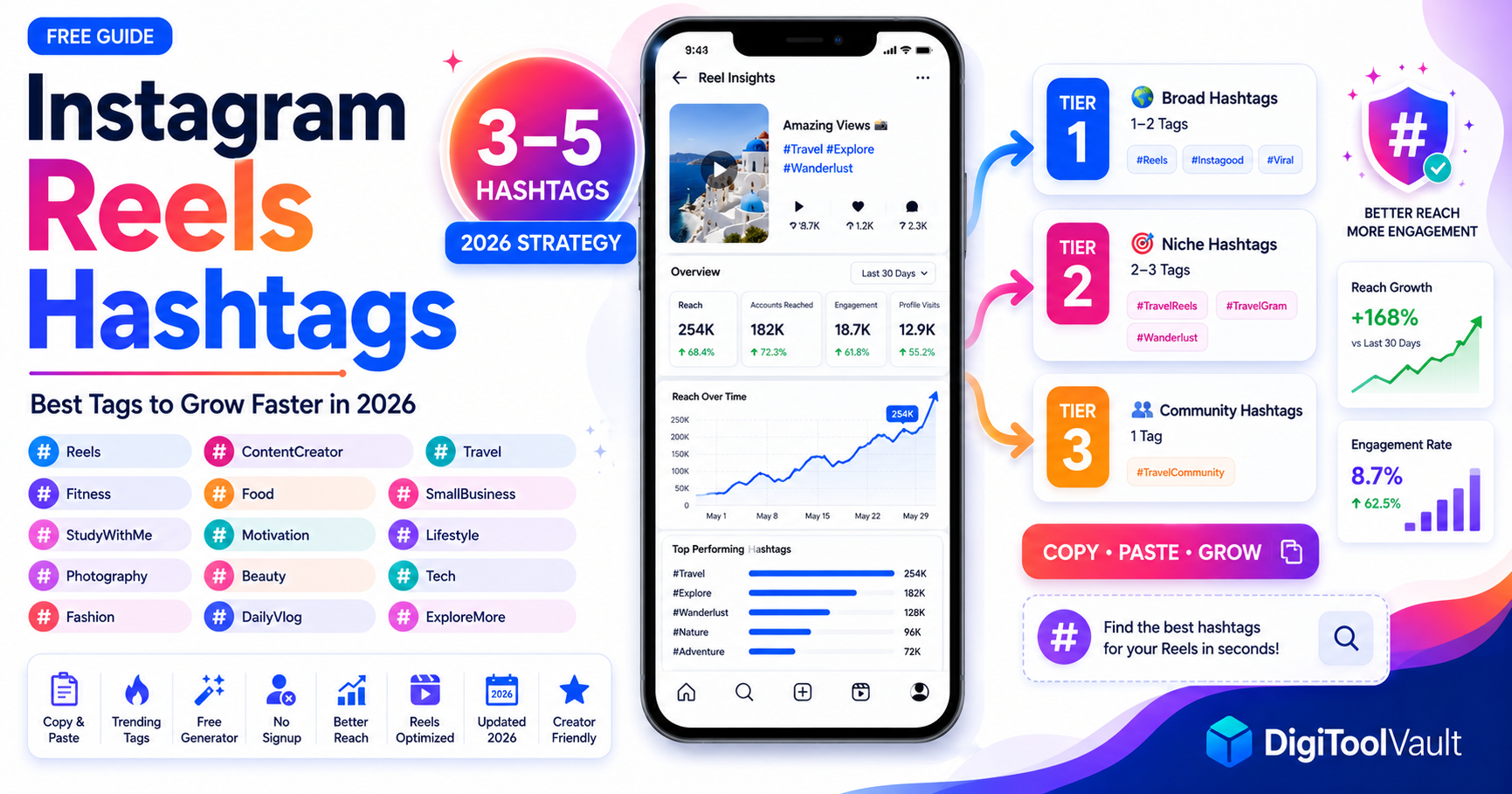
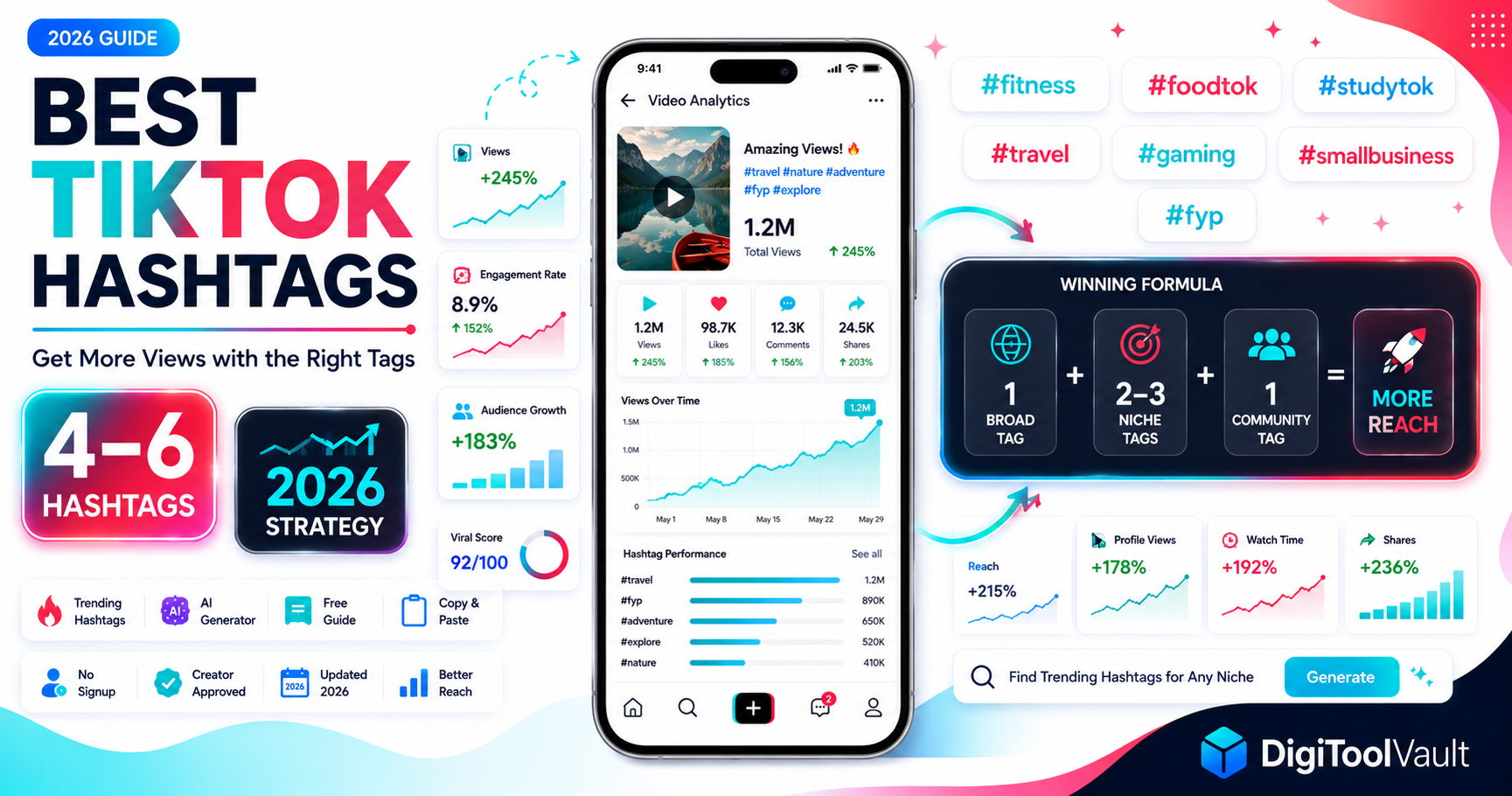
For platform-specific strategy guides, see Best Hashtags for Instagram Reels and Trending TikTok Hashtags 2026.