
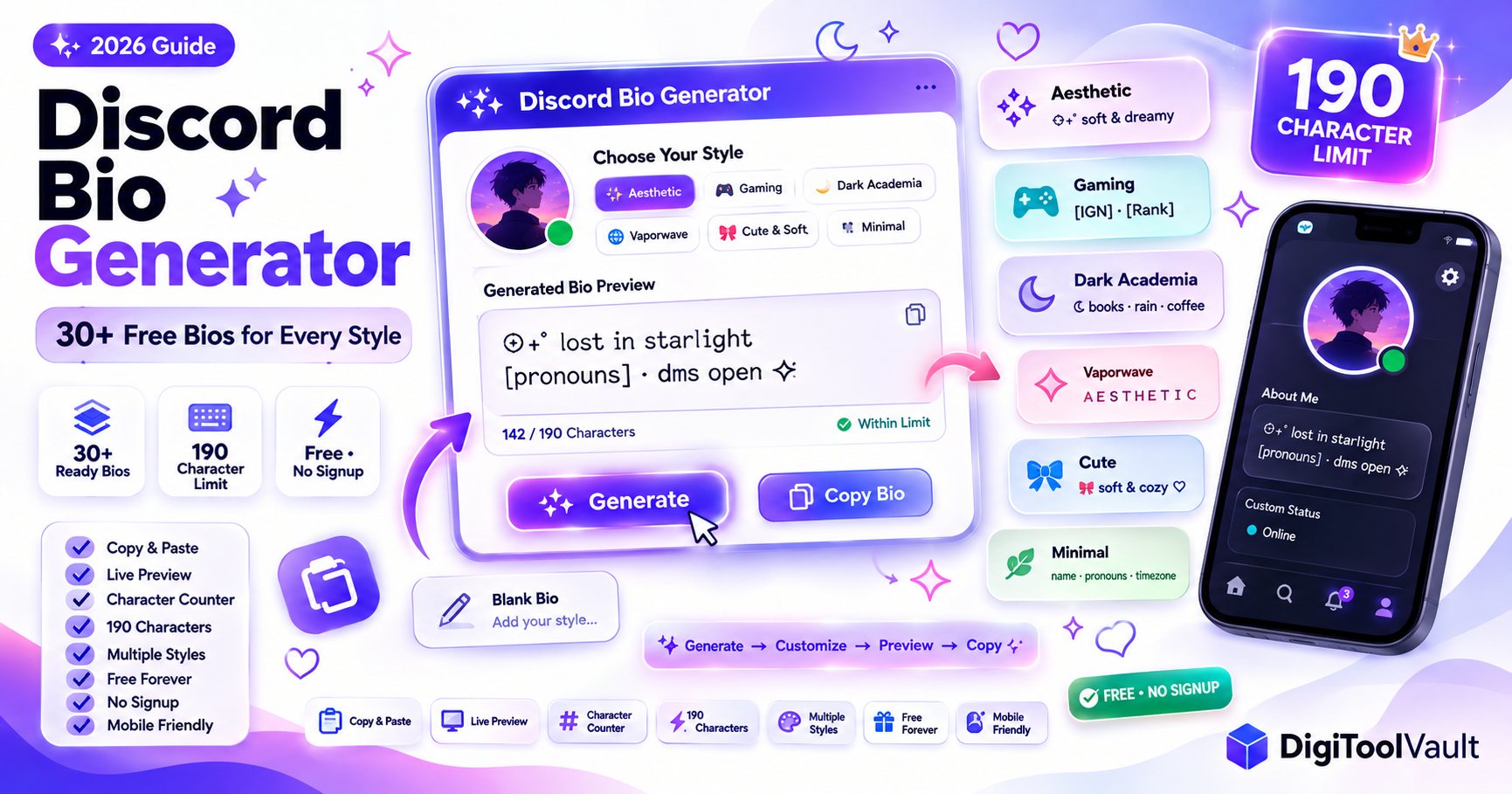
Table of Contents
- TL;DR
- What Is a Discord Bio Generator?
- How to Generate Your Discord Bio Step by Step
- Aesthetic Discord Bio Generator 30+ Ready Bios by Style
- Gaming Discord Bio Generator
- Dark Academia Discord Bio Generator
- Vaporwave Discord Bio Generator
- Cute and Soft Discord Bio Generator
- Minimal Discord Bio Generator
- How to Personalize a Generated Bio
- Discord Bio Generator vs Discord Bio Maker What Is the Difference?
- FAQ
TL;DR
- A Discord bio generator gives you ready-made bios by style aesthetic, gaming, dark academia, vaporwave, cute, minimal
- All bios below are within Discord's 190 character limit and free to copy and paste
- To build a custom bio with live preview, character counter, and style formatting use DigiToolVault's Discord Bio Maker no signup, no limits
- For more templates by category, see our Discord Bio Templates guide
- For layout styles with borders and dividers, see our Discord Bio Layout guide
What Is a Discord Bio Generator?
A Discord bio generator is a tool or resource that produces ready-to-use Discord About Me text so you do not have to write your bio from scratch.
The Discord About Me field is the short text visible on your profile when someone clicks your username in any server. It is limited to 190 characters and can include plain text, Unicode symbols, emoji, and decorative dividers. Most users leave it blank or type something generic which is a missed opportunity to make your profile memorable.
A bio generator solves the blank page problem. You select a style or vibe, get a set of pre-written options, copy the one that fits, and paste it into Discord Settings → Profiles → About Me.
Two types of Discord bio tools exist:
Generators produce pre-written bios from a library you pick a style and get options immediately, then copy and paste. This guide is a full generator organized by style.
Makers let you build and customize your own bio with a live preview you type your information, choose a format, and see exactly how it will look on a real Discord profile card. DigiToolVault's Discord Bio Maker is this type it previews your bio in real time with a 190-character counter so you never go over the limit.
Both are free. Use the generator below to find a starting point, then refine it in the maker.
How to Generate Your Discord Bio Step by Step
Using the bios in this guide:
- Browse the style sections below aesthetic, gaming, dark academia, vaporwave, cute, minimal
- Find a bio that matches your vibe
- Copy it replace any `[bracketed placeholders]` with your own details
- Open DigiToolVault's Discord Bio Maker to preview it on a real profile card and adjust if needed
- Paste into Discord: Settings → Profiles → About Me → Save Changes
Character limit check: Discord's About Me field is 190 characters. Every bio in this guide fits within that limit. If you add your own text, use the live counter in DigiToolVault's Discord Bio Maker to stay under 190. For a full breakdown of every Discord field limit, see our Discord Character Limit guide.
Aesthetic Discord Bio Generator 30+ Ready Bios by Style
Aesthetic bios use Unicode symbols, soft phrases, and decorative spacing. The most popular style on Discord in 2026.
Aesthetic 1 Star Soft
✩₊˚ lost in starlight · dreaming in lowercase
[pronouns] · dms open ✩
Aesthetic 2 Quiet Energy
⟡ soft chaos · always online
✦ [interest] & [interest] · dms [open/closed]
Aesthetic 3 Moonchild
☾ somewhere between dreaming and existing
[pronouns] · [timezone] · dms open ☽
Aesthetic 4 Sparkle Frame
✧˖°. [name] · [pronouns] .°˖✧
into [interest] and [interest]
dms [open/closed]
Aesthetic 5 Flower Soft
🌸 [name] · [pronouns]
🌿 loves: [interest] · [interest]
🦋 dms [open/closed]
Aesthetic 6 Cloud Vibes
‧₊˚ ☁️ romanticizing everything ☁️ ˚₊‧
[pronouns] · soft hours only
dms [open/closed]
Aesthetic 7 Arrow Flow
╰┈➤ [name] · [pronouns]
╰┈➤ [interest] · [interest]
╰┈➤ dms [open/closed]
Aesthetic 8 Minimal Star
── ✦ [name] · [pronouns] ✦ ──
[one sentence about you]
── ✦ dms [open/closed] ✦ ──
Aesthetic 9 Stardust
⋆。°✩ collecting quiet moments
[pronouns] · [timezone]
obsessed with [interest] ✩
Aesthetic 10 Soft Chaos
꒰ [name] ꒱ · [pronouns] ☁️
soft hours · big feelings
dms [open/closed] ✉️
Gaming Discord Bio Generator
Gaming bios lead with platform, mains, and availability the three things server members care about most.
Gaming 1 Player Card
► [IGN] ◄
platform: [PC/PS/Xbox/Switch]
mains: [game 1] · [game 2]
vc: [yes/no] · dms [open/closed]
Gaming 2 Quick Card
[name] · [platform]
playing [game] · [rank/level]
vc [yes/no] · dms [open/closed]
Gaming 3 RPG Sheet
⚔️ class: [your role]
❤️ hp: ████████░░
🎮 playing: [game]
📩 dms [open/closed]
Gaming 4 Terminal Style
> user: [name]
> platform: [platform]
> status: [online/afk/in game]
> dms: [open/closed]
Gaming 5 Stats Block
❖ [name] · [pronouns]
❖ main: [game] · rank: [rank]
❖ vc: [yes/no] · dms [open/closed]
Gaming 6 Simple Gamer
[name] · [platform] gamer
into [game 1] & [game 2]
[casual/competitive] · dms [open/closed]
Dark Academia Discord Bio Generator
Dark academia bios lean into literature, philosophy, and moody imagery typewriter fonts and book references.
Dark Academia 1 The Scholar
𝔰𝔱𝔲𝔡𝔶𝔦𝔫𝔤 𝔞𝔱 𝔪𝔦𝔡𝔫𝔦𝔤𝔥𝔱 · [pronouns]
books · rain · cold coffee
dms open to fellow scholars
Dark Academia 2 Literary
living inside [favourite book]
[pronouns] · [timezone]
coffee and existential dread · dms [open/closed]
Dark Academia 3 The Archivist
⌗ [name] · [pronouns]
obsessed with [author/genre]
here for the footnotes · dms [open/closed]
Dark Academia 4 Moody Reader
◈ dog-earing pages and overthinking
[pronouns] · always reading something
dms [open/closed]
Dark Academia 5 The Philosopher
thinking about [concept] again
[pronouns] · [timezone]
marginalia collector · dms [open/closed]
Vaporwave Discord Bio Generator
Vaporwave bios use retro-internet aesthetics glitch text, Japanese characters, and neon energy.
Vaporwave 1 Retro Net
A E S T H E T I C
[name] · ローファイ · dms [open/closed]
existing in the liminal space
Vaporwave 2 Neon Grid
▓▓▓ [name] ▓▓▓
lost in the synthwave · [pronouns]
dms [open/closed] ✦
Vaporwave 3 Glitch Style
g̸l̸i̸t̸c̸h̸i̸n̸g̸ through reality
[pronouns] · [timezone]
neon dreams · dms [open/closed]
Vaporwave 4 Chill Wave
[name] · lofi enthusiast
夢 · 永遠 · always online
dms [open/closed]
Cute and Soft Discord Bio Generator
Cute bios are warm, emoji-forward, and playful popular in general community and hobby servers.
Cute 1 Emoji Forward
🎀 [name] | [pronouns]
🎧 [music vibe]
📖 [current obsession]
💌 dms [open/closed]
Cute 2 Kaomoji
(ノ◕ヮ◕)ノ [name] / [pronouns]
★ [interest] ★ [interest]
dms [open/closed] ♡
Cute 3 Sweet Short
[name] [pronouns] ♡
[what you love most in one line]
dms [open/closed] 🌿
Cute 4 Cosy Vibes
[name] · [pronouns] ☕
permanently attached to [interest]
dms [open/closed] 🌸
Cute 5 Soft Hello
hii! [name] · [pronouns] 🌙
really into [interest] and [interest]
dms [open/closed] ✉️
Minimal Discord Bio Generator
Minimal bios use plain text or very few symbols popular in professional servers, study spaces, and 21+ communities.
Minimal 1 Dot Separated
[name] · [pronouns] · [timezone]
[interest] · [interest]
dms [open/closed]
Minimal 2 Single Line
[name] / [pronouns] / [one thing about you]
dms [open/closed]
Minimal 3 Small Caps
ɴᴀᴍᴇ: [name]   ᴘʀɴꜱ: [pronouns]
ᴠɪʙᴇ: [your vibe]
ᴅᴍꜱ: [open/closed]
Minimal 4 Clean Label
[name] | [pronouns] | [timezone]
into [interest 1] and [interest 2]
dms [open/closed]
Minimal 5 Slash Lines
[name] / [pronouns]
[interest] / [interest]
dms [open/closed]
How to Personalize a Generated Bio
Every bio above is a starting point not a finished product. Here is how to make it genuinely yours in under two minutes:
Replace every placeholder. Go through every `[bracketed]` field and swap it for something real. Specific interests land better than generic ones "currently obsessed with Disco Elysium and post-punk" works better than "gaming and music."
Adjust the tone. If a bio is too casual for the server you are joining, remove slang and emoji. If it is too formal, loosen it. Read a few bios in the server's intro channel and match the register.
Check the character count. Every bio in this guide fits within Discord's 190-character limit. If you add text, use DigiToolVault's Discord Bio Maker to count characters in real time it shows your live count as you type and previews exactly how the bio looks on a Discord profile card.
Test on mobile. Some Unicode symbols render slightly differently on Android compared to desktop. Paste your bio into Discord on your phone and check it looks right before finalizing.
Add one conversation starter. The best bios end with something that invites a reply a game people could challenge you to, a show you want recommendations for, or a niche interest someone might share. Bios that invite conversation get more DMs than bios that just list facts.
For more About Me ideas, see our Discord About Me Template guide. For bordered and divider layouts, see the Discord Bio Layout guide.
Discord Bio Generator vs Discord Bio Maker What Is the Difference?
These two terms are often used interchangeably, but they describe different tools with different approaches.
A Discord bio generator gives you pre-written options organized by style or vibe. You browse, pick one that fits, copy it, and paste it into Discord. The output is immediate no typing required. This guide is a generator.
A Discord bio maker lets you build your own bio from scratch or from a template with a live preview of how it will look on an actual Discord profile card. You type your own content, the tool formats it and counts characters in real time, and you copy the finished result.
DigiToolVault's Discord Bio Maker is the maker option free, no signup, with a live 190-character counter and profile card preview. Use the generator bios in this guide as a starting point, then refine them in the maker to get exactly the right result.
Which should you use?
- Generator → when you want inspiration fast and do not mind using a pre-written bio
- Maker → when you want a custom bio with specific information, live preview, and character count control
Both are useful. The typical workflow: find a style you like in a generator → paste it into the maker → swap in your details and preview → copy the final version → paste into Discord.
FAQ
What is a Discord bio generator? A Discord bio generator is a tool or collection of pre-written bios organized by style aesthetic, gaming, dark academia, vaporwave, cute, minimal that you can copy and paste directly into your Discord About Me section. All bios in this guide are within Discord's 190-character limit and free to use. To build and preview a custom bio with live character counting, use DigiToolVault's free Discord Bio Maker.
How do I generate a Discord bio? Choose a style from this guide aesthetic, gaming, dark academia, vaporwave, cute, or minimal. Copy the bio that fits your vibe, replace the `[bracketed placeholders]` with your own details, and paste into Discord: Settings → Profiles → About Me → Save Changes. To preview your bio before saving, paste it into DigiToolVault's Discord Bio Maker first.
What is the character limit for a Discord bio? Discord's About Me section has a 190-character limit including spaces, emojis, Unicode symbols, and line breaks. Nitro does not increase this limit. Every bio in this guide fits within 190 characters. Use the live counter in DigiToolVault's Discord Bio Maker to check your character count in real time. For a full breakdown of every Discord character limit, read our Discord Character Limit guide.
Is there a free Discord bio generator with no signup? Yes. All bios in this guide are completely free to copy and paste no account required, no limits on how many you copy. DigiToolVault's Discord Bio Maker is also completely free with no signup and gives you a live preview and character counter for building your own bio.
What makes a good aesthetic Discord bio? Aesthetic bios use a consistent visual style choose one type of symbol (stars, arrows, flowers) and stick to it throughout. Keep lines short so they wrap cleanly in Discord's profile card. Use one or two decorative elements per line more than that looks cluttered. Include specific details (a real interest, your pronouns, your DM status) rather than vague filler phrases. For layout styles with borders and dividers, see our Discord Bio Layout guide. For more aesthetic ideas, see Aesthetic Discord Bio templates.
Can I use a Discord bio generator for my About Me section? Yes Discord bio, Discord About Me, and Discord description all refer to the same field: the text box in Settings → Profiles → About Me. Bios generated here paste directly into that section. The official Discord label is "About Me" all three terms mean the same thing. More examples: Discord About Me Template guide.
What is a Discord description generator? A Discord description generator and a Discord bio generator are the same thing both refer to tools or collections that produce text for the Discord About Me field. The terms are used interchangeably. All bios in this guide work for Discord descriptions, About Me sections, and profile bios.
What is a Discord intro generator? A Discord intro generator produces text for the long-form introduction post you make in a server's #introductions or #intros channel when you first join not the short About Me on your profile. Intro posts are typically 5-15 lines and include your name, pronouns, age, interests, timezone, and DM status. For intro post templates, see our Discord Intro Template guide.
Ready to build your Discord bio? DigiToolVault's free Discord Bio Maker live preview, 190-character counter, free, no signup. For more copy-paste options, browse the Discord Bio Templates guide.


